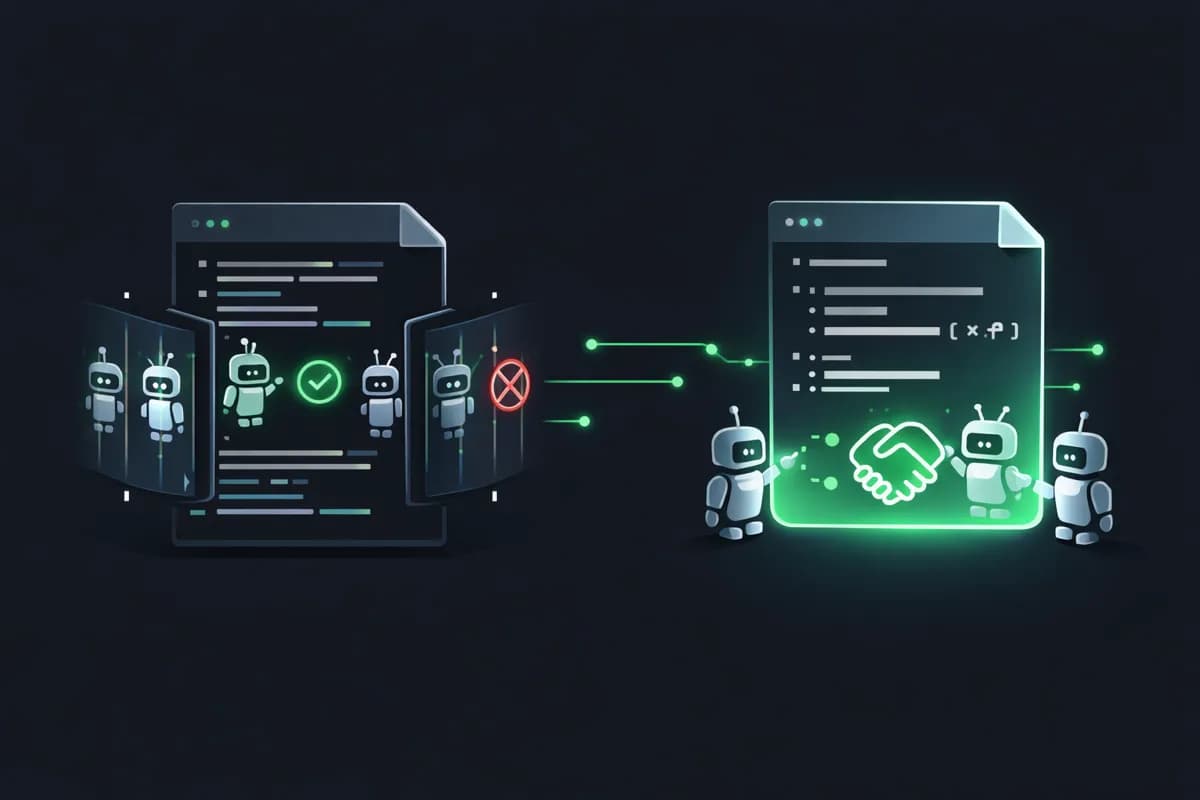
robots.txt controls AI bot access to your site. llms.txt tells them who you are. If you haven't configured either, you're probably invisible to AI engines — or worse, blocked by Cloudflare without knowing it.
You've invested in your content. You've worked on your SEO. But when a user asks a question to ChatGPT, Perplexity or Google AI, your site appears nowhere in the answer. The problem may not be your content — it's that AI engines can't access it. Since July 2025, Cloudflare blocks AI bots by default on every site it protects. And most websites have never configured their robots.txt to specifically handle AI crawlers. The result: millions of sites are invisible to AI engines without their owners knowing. Meanwhile, a new standard is emerging — llms.txt — that lets you present your site directly to LLMs in a format they natively understand. If GEO (Generative Engine Optimization) matters to you, these two files are your first line of action.
robots.txt: the gatekeeper you forgot about
robots.txt has existed since 1994. Its role is simple: tell bots what they're allowed to crawl on your site. For 30 years, it mainly served to guide Googlebot. But in 2026, it also controls access for a dozen AI bots: GPTBot (OpenAI), ClaudeBot (Anthropic), PerplexityBot, Google-Extended (Gemini), Bytespider (TikTok), FacebookBot, and others. The problem: most sites have no specific rules for these bots. Either they're allowed by default (via a User-agent: * / Allow: /), or they're blocked without anyone having decided it. And that's where Cloudflare comes in. Since July 2025, the 'AI Bot Block' option is enabled by default on all plans — including the free tier. If your site is behind Cloudflare and you haven't explicitly disabled this option, GPTBot, ClaudeBot and others receive a 403. Your content is never crawled, never indexed by AI engines, never cited. You're invisible and you don't know it.
llms.txt: the new standard for talking to AI
The llms.txt file is a proposed standard initiated by Jeremy Howard (founder of fast.ai) in 2024. The idea is brilliant in its simplicity: place a Markdown file at the root of your site that summarizes who you are and what you do in a format that LLMs natively understand. Unlike robots.txt which says 'here's what you can crawl,' llms.txt says 'here's what you need to know about us.' The structure is simple. An H1 heading with your organization's name. A blockquote with a short description. H2 sections for your services, key pages, and contact info. All in pure Markdown — the most natural format for an LLM. Why does this matter? Because LLMs don't 'read' your site like a human. They don't interpret your design, animations, or layout. They extract raw text. llms.txt offers them a structured, condensed version of your site, optimized for their comprehension. Early adoption signs are there: Anthropic, Cloudflare, and several hundred tech sites already offer a llms.txt. It's not yet an official W3C standard, but it's becoming a de facto convention — exactly as robots.txt was in its early days.
How to configure your robots.txt for AI bots
The first step is to know who you're blocking. Check your current robots.txt and look for rules targeting GPTBot, ClaudeBot, PerplexityBot, Google-Extended, Bytespider, CCBot, FacebookBot. If your robots.txt doesn't mention any of these bots, behavior depends on your default rule (User-agent: *) and your CDN. If you're behind Cloudflare, also check the dashboard: Security > Bots > AI Bots. Then, make an explicit decision. There are three possible strategies. Open everything: a simple User-agent: * / Allow: / is enough, but make sure Cloudflare isn't blocking upstream. This is the recommended strategy if you're seeking AI visibility. Open selectively: allow GPTBot, ClaudeBot and PerplexityBot (the three that generate citations) and block the rest. Useful if you want to control who uses your content for training. Block everything: legitimate for premium or proprietary content. But know that you're giving up all visibility in AI responses. The Dark Visitors site maintains an up-to-date list of all known AI bots and their User-Agents — it's an invaluable resource for configuring your rules.
How to create a good llms.txt
An effective llms.txt follows a simple structure. Start with an H1 heading with your organization or product name. Add a blockquote with a one-to-two sentence description — this is the summary LLMs will use first. Then structure with H2 sections: About, Services, Products, Contact, Pages. Each section should be concise and factual. No marketing, no superlatives — LLMs aren't impressed by 'world leader' or 'innovative solution.' They want facts: what you do, for whom, with what technologies, and how to reach you. Include links to your key pages in standard Markdown. LLMs can follow these links to dig deeper when they need more context. Think of your llms.txt as an augmented business card for AI. If an LLM had to summarize your company in 30 seconds, would it have everything it needs in this file? If yes, you're good. If not, add what's missing. One last point: llms.txt doesn't replace good content on your site. It complements it. AI engines use it as an entry point, then crawl your pages for details.
The checklist: is your site ready for AI engines?
Here are the checks to do right now. robots.txt: verify that GPTBot, ClaudeBot and PerplexityBot aren't blocked. If you have no specific rule, check your default rule. Cloudflare: if your site is behind Cloudflare, go to Security > Bots and verify the 'AI Bot Block' option isn't enabled — or disable it for the bots you want to allow. llms.txt: create one and place it at your site's root (/llms.txt). Include at minimum an H1, a descriptive blockquote, and your main pages. Structured data: add schema.org JSON-LD to your key pages (Organization, Person, Article, FAQPage). This is what lets LLMs understand the context of your content, not just its text. Test: use our GEO audit tool to check in one click whether your robots.txt allows AI bots, whether your llms.txt is present and well-structured, and whether your structured data is in place. AI visibility isn't built in a day, but these technical foundations are the prerequisite to everything else. Without them, even the best content in the world will remain invisible in ChatGPT and Perplexity responses.